
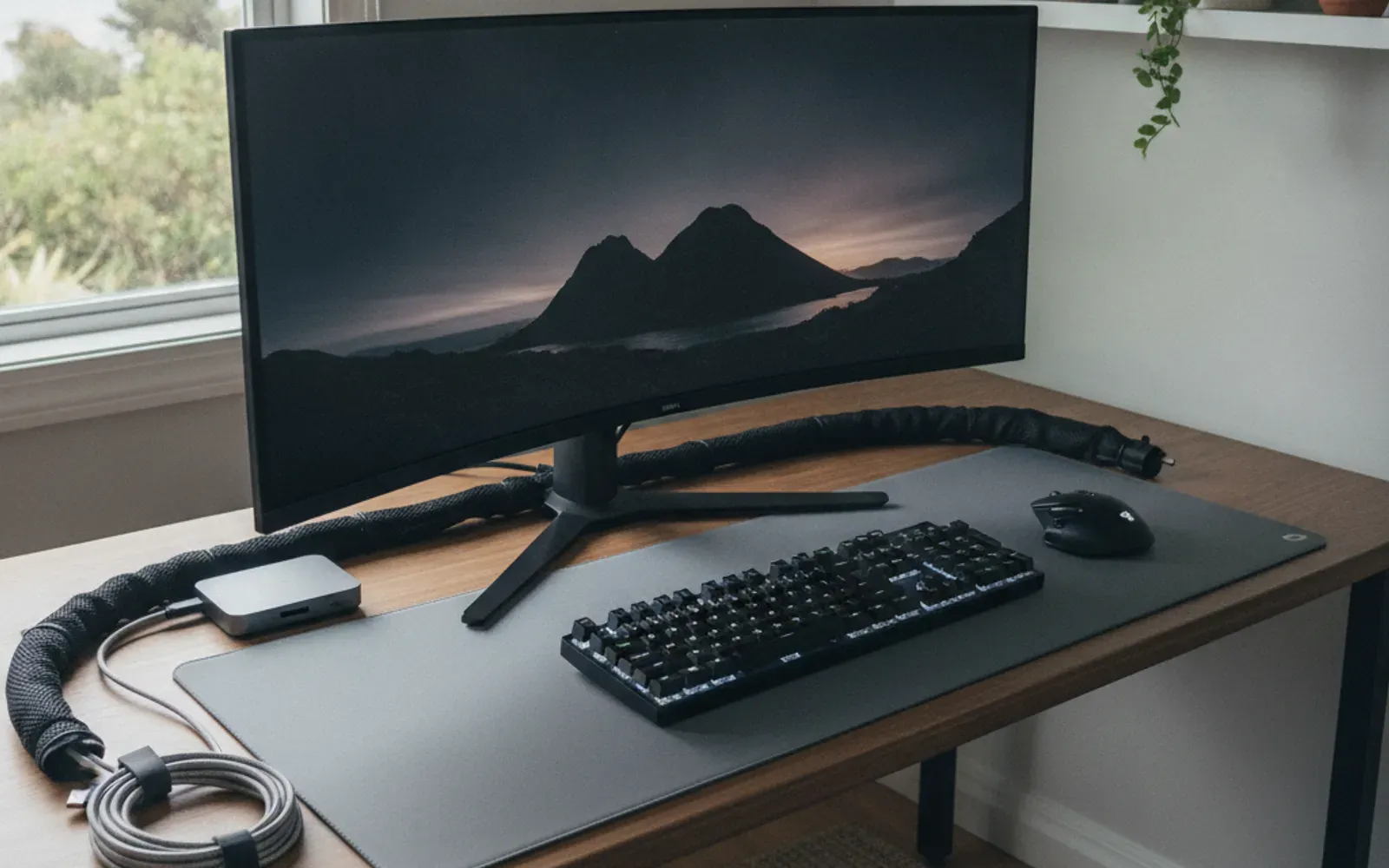
Desktop PC assembly and computer setup in Wilmington, NC attracts a surprisingly wide range of people — students building their first gaming rig, remote workers setting up a home office, small business owners moving off a laptop onto a proper workstation, retirees who bought a complete system and just need everything connected and organized. What they share is a desire for a clean, working setup without the guesswork and the wire chaos that comes from figuring it out alone.
What computer assembly and workstation setup includes
This service covers the physical side of getting a desktop computer built, connected, and operational. The line between “computer assembly” and “workstation setup” blurs in practice because most jobs involve both — assembling the machine and organizing the environment around it.
Custom desktop PC builds from components
If you ordered parts — a case, motherboard, CPU, RAM, GPU, power supply, storage drives, and cooling — Yurii assembles them into a complete, working computer. That means seating the CPU in its socket with correct thermal paste application, installing RAM in the right slots for dual-channel operation, mounting the GPU and storage, routing power cables through the case management channels rather than across the motherboard, and connecting all the front-panel headers correctly. Everything is checked for seating before the first power-on.
This is the kind of work where small mistakes have significant consequences. A RAM stick that is not fully seated means the system will not boot. A front-panel header connected backward means the power button does not work. A GPU that has not fully clicked into its PCIe slot can damage the card or cause display issues. Doing it right the first time takes patience and experience, not just a YouTube tutorial.
Pre-built PC and mini-PC setup
Not every job involves loose components. Many clients buy a pre-built desktop or a compact mini-PC (NUC, Beelink, Mac Mini equivalent, etc.) and need it properly integrated into a workstation — connected to monitors, wired into a KVM switch, organized with a USB hub, and arranged on the desk with cables hidden. That setup and organization work is exactly what this service covers.
Monitor mounting and multi-monitor arrangements
A monitor that sits on its stock stand at the wrong height, too close to the wall, or aimed at the ceiling fan is a daily annoyance. Yurii mounts monitors on walls, single-arm desk mounts, dual-arm mounts, and monitor stands — aligned at the correct viewing height and angle for the person who will actually sit there. Dual and triple monitor setups are common, and Yurii handles the cable routing and display connector work (DisplayPort, HDMI, USB-C) to make sure every screen is recognized correctly before he leaves.
Monitor wall mounting for a home office in Wilmington often overlaps with TV mounting work — the skills and hardware are closely related, and Yurii does both.
Peripheral setup and desk organization
Keyboards, mice, webcams, headsets, speakers, drawing tablets, USB hubs, docking stations, external drives — the average modern desk has a dozen devices that need to connect somewhere. Yurii handles the physical connections, routes cables cleanly, and leaves the desk looking intentional rather than like a spaghetti pile. If you use a sit-stand desk, Yurii can route cables in a way that accommodates the movement without tangling or pulling.
Cable management for existing setups
You do not need a full build or new equipment to benefit from professional cable management. A desk that has accumulated years of added devices and rerouted cables is a legitimate standalone job. Yurii assesses the existing setup, removes unnecessary cables, uses raceways, cable clips, velcro ties, and under-desk cable trays where appropriate, and leaves everything accessible but out of sight.
Why home office setup matters more now
The shift toward remote and hybrid work has turned the home office from an afterthought into the primary workspace for a large portion of Wilmington’s working population. A poorly arranged workstation — wrong monitor height, cables across the desk, speakers wired wrong, webcam below face level — creates physical strain and a sense of disorganization that affects how you work every day. Getting it done right once, by someone who has set up dozens of workstations, costs far less than a week of frustrated troubleshooting.
Coastal Wilmington and home office considerations
Humidity is the consistent enemy of electronics in the Wilmington area. Coastal homes without adequate climate control can develop condensation inside cases, and salt air can accelerate corrosion on connectors over time. Yurii always installs desktop cases in positions that promote airflow rather than against walls or inside enclosed cabinets where heat accumulates. If a client has an existing setup in a poorly ventilated area, he will say so clearly rather than just complete the job and leave.
In beach communities like Wrightsville Beach or Carolina Beach, many homes double as vacation rentals part of the year, which means office setups sometimes need to be compact, easily stowed, or wall-mounted to protect gear during rental turnover. Yurii has handled these mixed-use setups and can help plan a workstation that works for both the owner’s daily use and the property’s rental schedule.
In Leland and the fast-growing areas west of the Cape Fear River, many newer home buyers are setting up dedicated office rooms for the first time and want the space done properly from the start rather than retrofitting later.
What Yurii does not handle
This service is hardware and physical setup, not IT support or software configuration. Yurii verifies that the machine reaches BIOS or the operating system installer on first boot — confirming the build is correct — but installing Windows, configuring network accounts, setting up email clients, or troubleshooting software issues falls outside the scope. For that work, a local IT support provider is the right call, and Yurii will say so plainly rather than take on work outside his skill set.
Related services that pair with computer setup
A well-organized workstation often involves a few adjacent tasks. If you want the monitor cable hidden inside the wall rather than in a surface raceway, that runs alongside smart home installation and TV mounting work where in-wall cable routing is a standard technique. A dedicated shelf for equipment above or beside the desk connects to shelf and picture hanging. If the office is in a room that needs fresh paint before the setup goes in, interior painting handles that first.
Frequently asked questions about PC assembly and computer setup in Wilmington
How long does a full custom desktop PC build take?
A straightforward mid-tower build with a standard component list typically takes two to three hours from opening boxes to first power-on test. More complex builds — custom water cooling, high-end cable sleeving, RAID storage configurations — take longer. Yurii gives a realistic time estimate before the appointment so you can plan accordingly.
Can you help me figure out what parts to buy before I order?
Yurii can point you toward common reliable configurations based on your use case — gaming, video editing, general productivity, home server — but detailed parts selection is not a formal service. If you describe what you are building and your budget, he can review your proposed parts list and flag anything that looks mismatched before you order. This saves the frustration of discovering incompatible components on build day.
What if a component is defective and does not work on first boot?
Defective components from new purchases are the manufacturer’s responsibility, not Yurii’s. If a part fails the first-boot test, Yurii will diagnose which component is the likely culprit and advise on the return/replacement process. Reinstalling a replacement part after it arrives is a separate appointment, priced accordingly.
Do you set up gaming peripherals and RGB lighting?
Physical RGB connections — headers on the motherboard, controller hubs — are part of assembly. Software-side RGB control (manufacturer apps, syncing software) falls into the software configuration category that is outside scope. Yurii will make sure the connections are correct so the software works when you set it up.
Can you help a senior or non-technical person set up a simple desktop computer?
Absolutely. Setting up a pre-built desktop for a senior family member — connecting the monitor, keyboard, mouse, speakers, and printer, routing the cables neatly, and making sure everything works before leaving — is one of the cleaner versions of this job. In Ogden and Porters Neck communities with many retirees, this kind of simple, respectful help is genuinely useful. Yurii takes the time to make sure the person using the computer knows where everything is and feels comfortable with the physical setup.
Is there a minimum job size, or can you come just to manage cables?
Cable management as a standalone job is perfectly valid. If your desk looks like a rat’s nest and you want it clean, that is worth a visit. Get a free estimate with a photo of the current state and Yurii will give you a realistic quote.
What areas around Wilmington do you cover for computer setup?
The full service area covers Wilmington and surrounding communities including Hampstead, Ogden, Porters Neck, Myrtle Grove, and the beach communities. Contact Yurii to confirm availability for your specific address.